How to create / upload documents
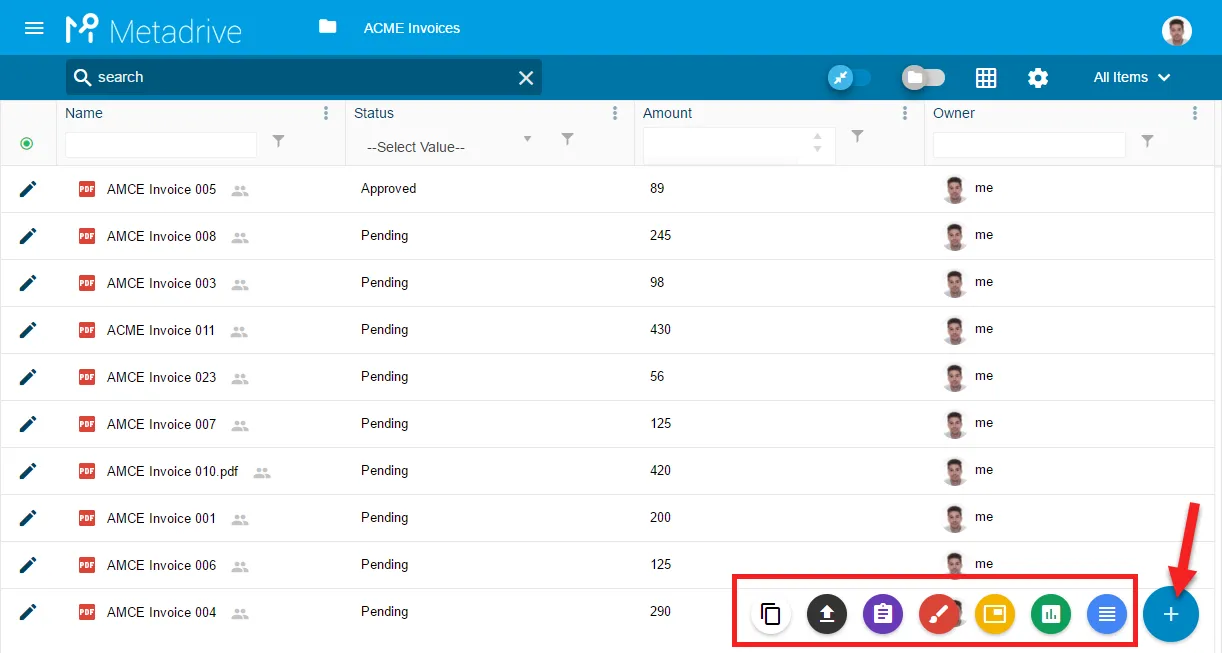
To create and upload documents and templates we can use this button at bottom-right. 
By clicking this button, we can choose to create a new file between 5 different types of Google files, upload our own documents or create copies from templates (if any).
Metadrive will create the documents directly on the current Google Drive folder or Google Team Drive.
Related articles
Can’t find what you’re looking for?
Our team is happy to help.